


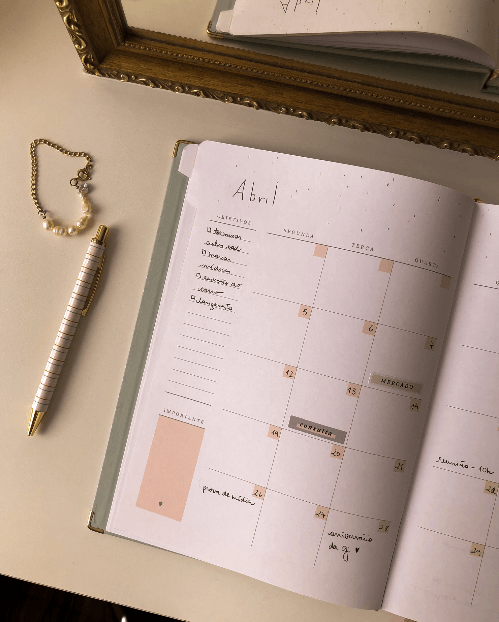
How to fill out the undated Planner:
1. On the first pages, you'll find your Goals and Wishes and your Annual Plan. It's great to reflect on these wishes because they help us define the priorities for the entire year.
2. The Annual Plan can be used to mark important dates, appointments, or birthdays. At Meg, for example, we usually mark what new product launches will be each month, so we can plan ahead to make them happen.
You can learn more about how to turn plans into action in this post.
3. Fill out the Monthly View: write the day numbers and holidays. The numbers can be written by hand or attached with the Numbers and Months Sticker Kit. Use a digital calendar to make sure no date is written in the wrong place!
It's also a good idea to put the month's name at the top of the page for easy identification. Once that's done, it's time to mark appointments and deadlines in the monthly view, so you can keep an eye on them and not miss a day.
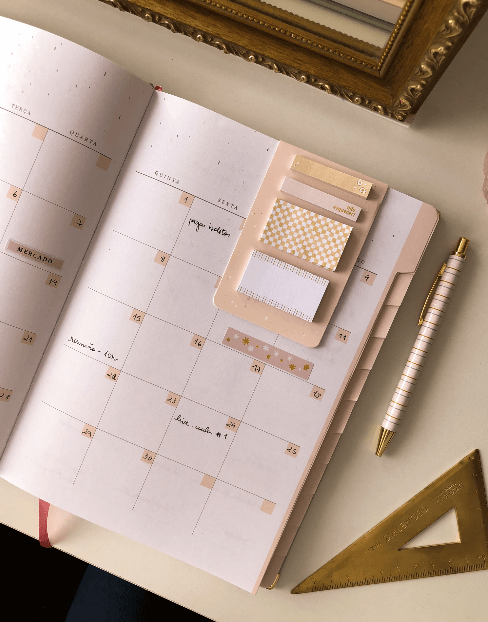
4. In the Weekly View: write the days of the week that are starting and the current month at the top. If there's a holiday, it's good to highlight it so it's considered during planning.
In the weekly goals, you highlight what absolutely must be done during that period (like finishing a thesis chapter, submitting a report, photographing products...).
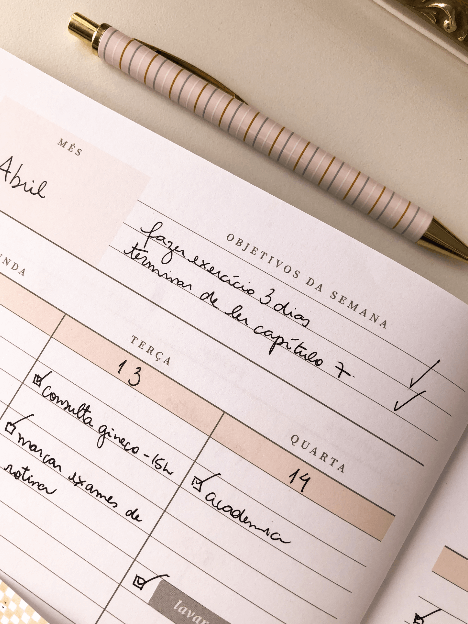
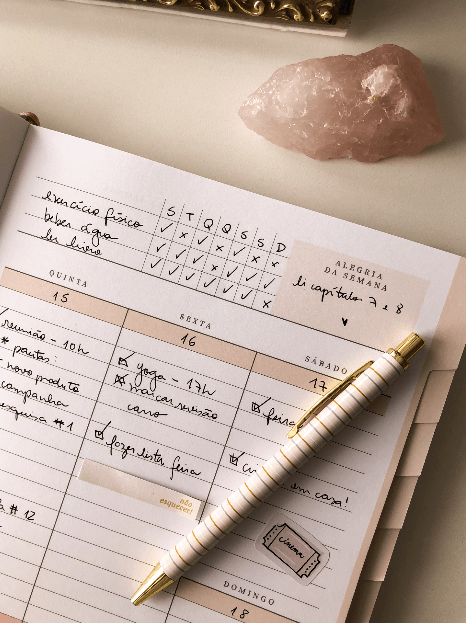
With all these fields filled in, we can distribute tasks (house, work, studies...) and appointments (meetings, doctor's appointments, etc.) throughout the days of the week. It's important to note that you don't need to overload your days. The vertical weekly view divided into two pages gives you a better idea of which day will be busier and which will be calmer.
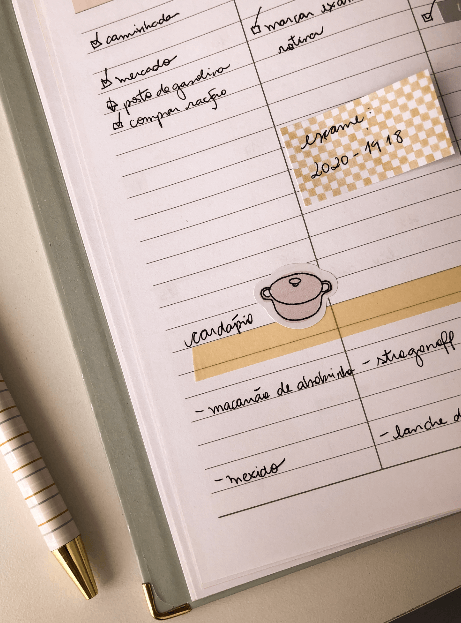
Tip: put the day's menu at the bottom of the column. You can mark what meals will be, and that way, you can plan your grocery shopping trips.
And when a task is completed, it's good to mark a "check" to differentiate it from what still needs to be done. Of course, if you couldn't finish everything planned for that day, you can move the task to the next free day. With practice, you'll know how much time you need for each task, and your planning will become more and more accurate. :)
Not all days are super productive, and we need to remember that it's important to respect our time.
5. In addition to all this, we have an extra: the Habit Tracker. Here you can highlight activities you want to track, such as drinking water, reading, exercising, walking the dog, among others. This way, you can see how often you're doing an activity and even increase (or decrease) that habit.
6. Finally, another super useful space is the Financial Control.
Here you can mark fixed and variable income and expenses, making it easy to visualize where we are spending more. Having control over our expenses is the path to being independent.
Did you like it? Have you ever used an undated planner before? Tell us!


